безплатна доставка
на поръчки над 100 EUR


 0% лихва за 6 месеца
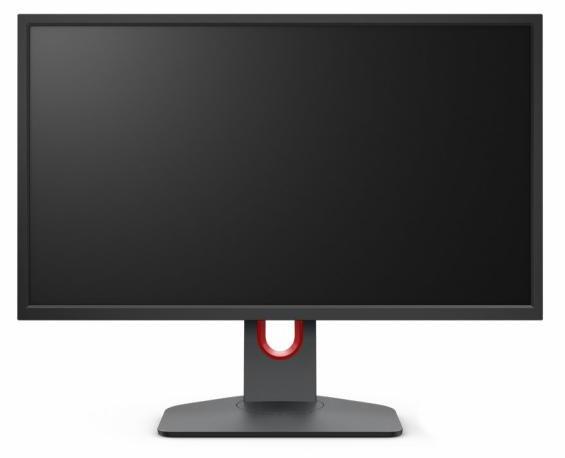
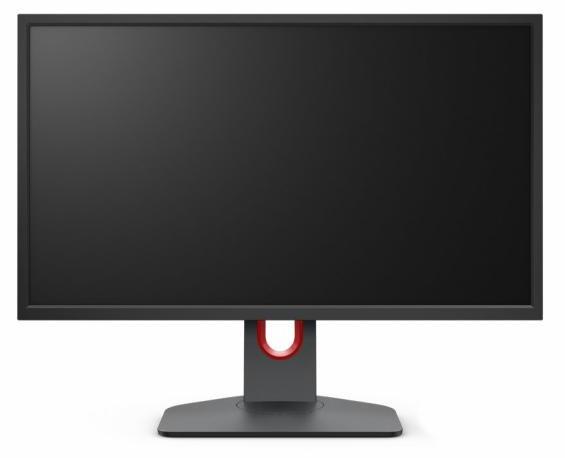


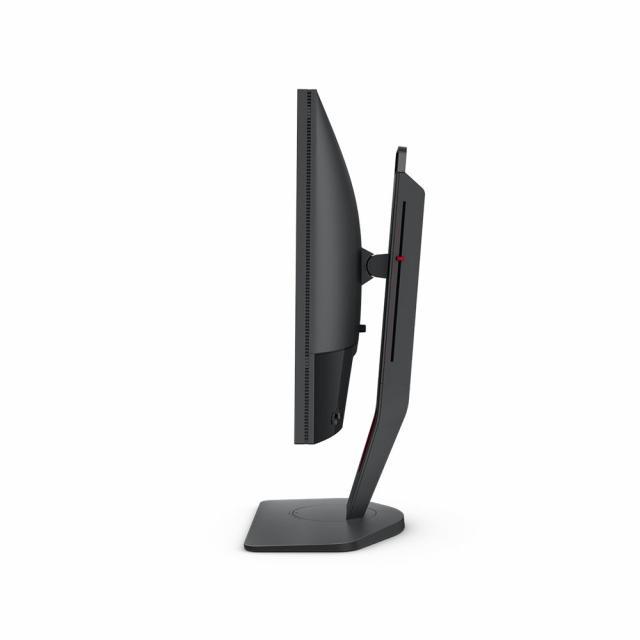

| Гаранция | 36 месеца |
| Размер на екрана | 24.5 inch |
| Резолюция | 1920 x 1080 |
| Матрица | TN |
| Честота на опресняване | 240 Hz |
| Време за реакция GtG | 0.5 ms |
| Цвят | Черен |
| Портове | 3.5мм Аудио жак, Display Port, HDMI |
| Технология | FreeSync |
| Регулиране на стойка | Да |
| Тъч скрийн | Не |
| VESA | Да |
| Яркост (тип.) | 320 cd/㎡ |
0% лихва за 6 месеца
 0% лихва за 6 месеца
 0% лихва за 6 месеца
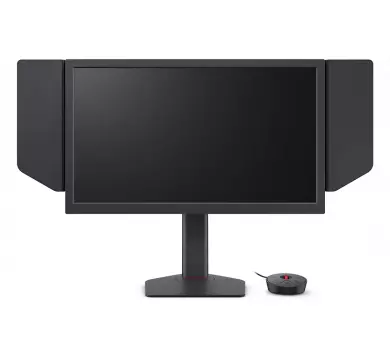

Новата генерация на XL серията е вече факт! Подобрена стойка, по-плавни движения и софтуер за по-лесен контрол на настройките на монитора.
Размер на екрана - 24.5"
Тип подсветка - LED
Тип на матрицата - TN
Тип на дисплея - матов
Резолюция - 1920x1080 (HDMI2.0/DP: 240Hz)
Съотношение - 16:9
Стъпка на пикселите - 0.283 мм
Яркост - 320 cd/m2
Контраст - 1000:1
Динамичен контраст - 12M:1
Време за реакция - 0.5ms
Ъгъл на видимост - 170/160
Интерфейс:
1x DisplayPort 1.2
3x HDMI 2.0
3.5 mm жак за слушалки
Поставка:
Наклон - -5/23
Завъртане - -45/45
Регулиране на височина
Съвместимост с VESA 100x100
Цвят на корпуса - черен
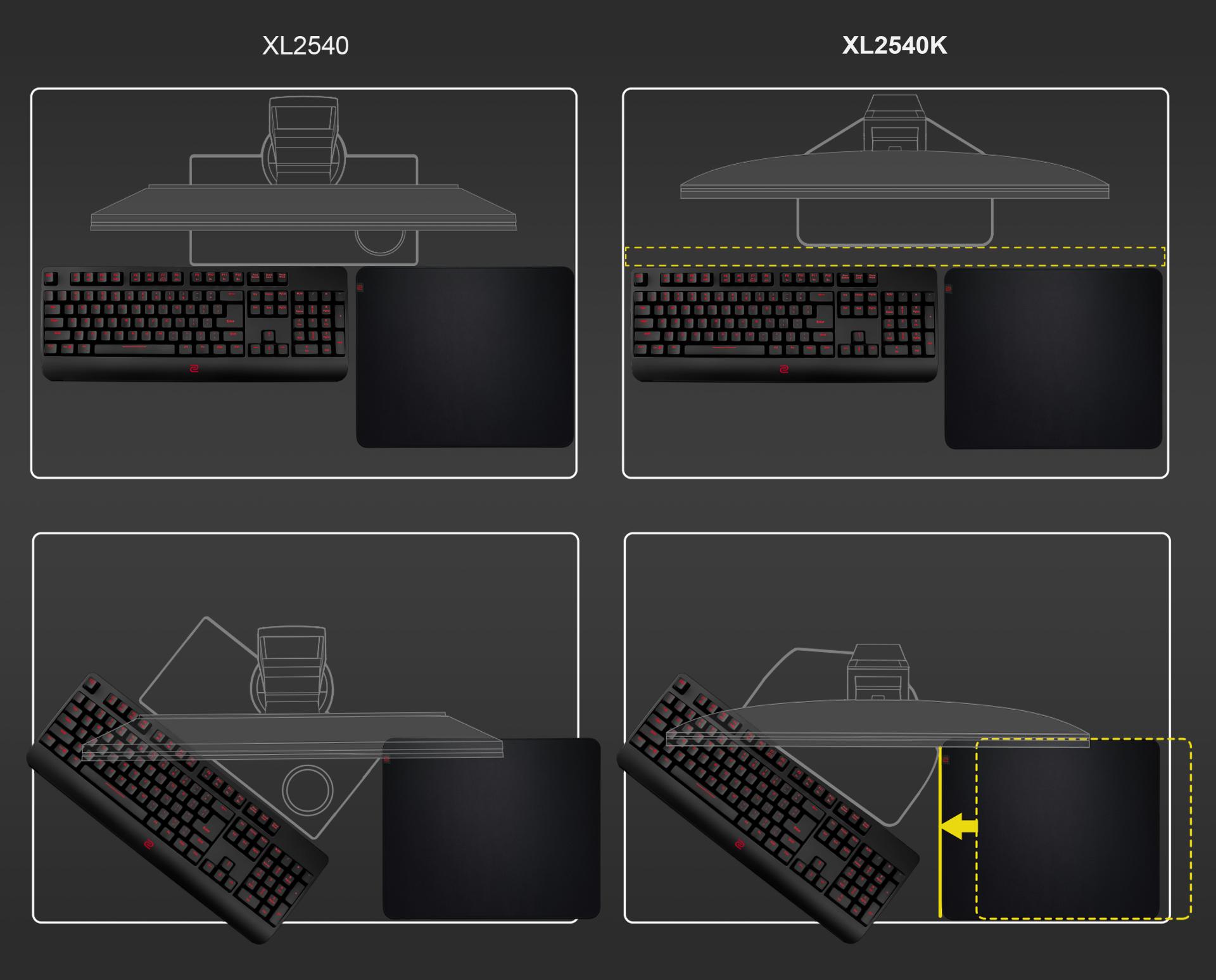
Smaller Base – More Playing Space
New base is designed to take up less space while maintaining the same stability. This allows gamers more space in their setup for in-game movements and allows them the flexibility to make adjustments and play comfortably.
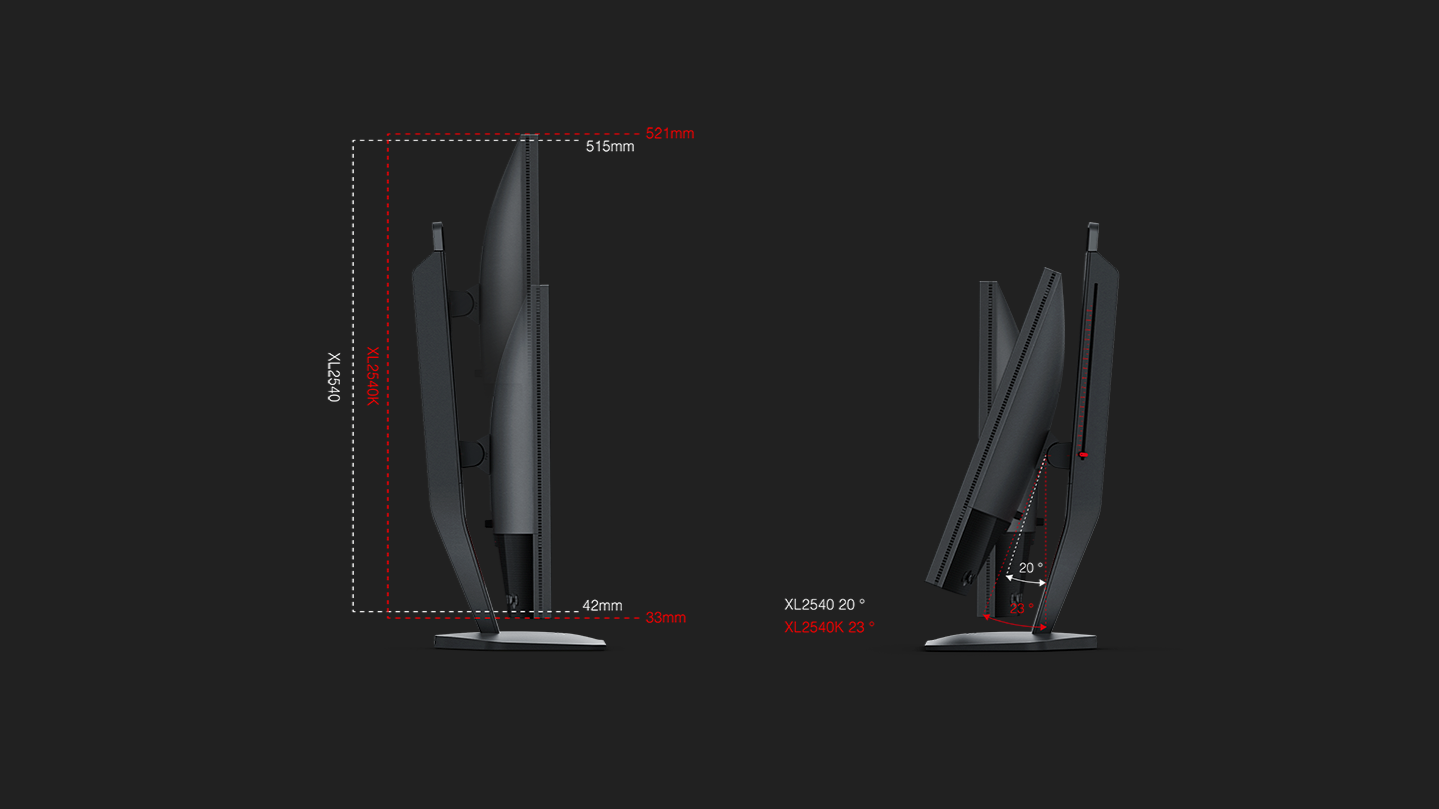
We understand that each player has his/her own unique combination of monitor height and angle adjustment. With height adjustment & free tilt, players are able to setup quickly and conveniently resulting in a more comfortable playing environment.
Share your own settings with a teammate, friend or your fans. Save video profiles quickly and share conveniently through a simple user interface.
The change to the user interface and S-Switch (XS250, optional) is more than just cosmetic. The redesigned interface provides you the ability to customize which FPS settings you would like to access quickly via quick menu, and then allows you to access them with one-touch. Setting up before games or during rounds is now much more convenient.
Black eQualizer to increase visibility in dark scenes without overexposing the bright areas, Color Vibrance to adjust color setting and tone to differentiate enemy targets in-game, and Game modes to switch between presets for different game titles– these are all adjustments that allow players to play with their preferred visual settings.

During the design process, durability was not sacrificed for aesthetics. The LCD panel is better protected through a frame design that provides added resistance on the sides. This is especially useful when transporting the monitors to LAN events or BYOC’s.

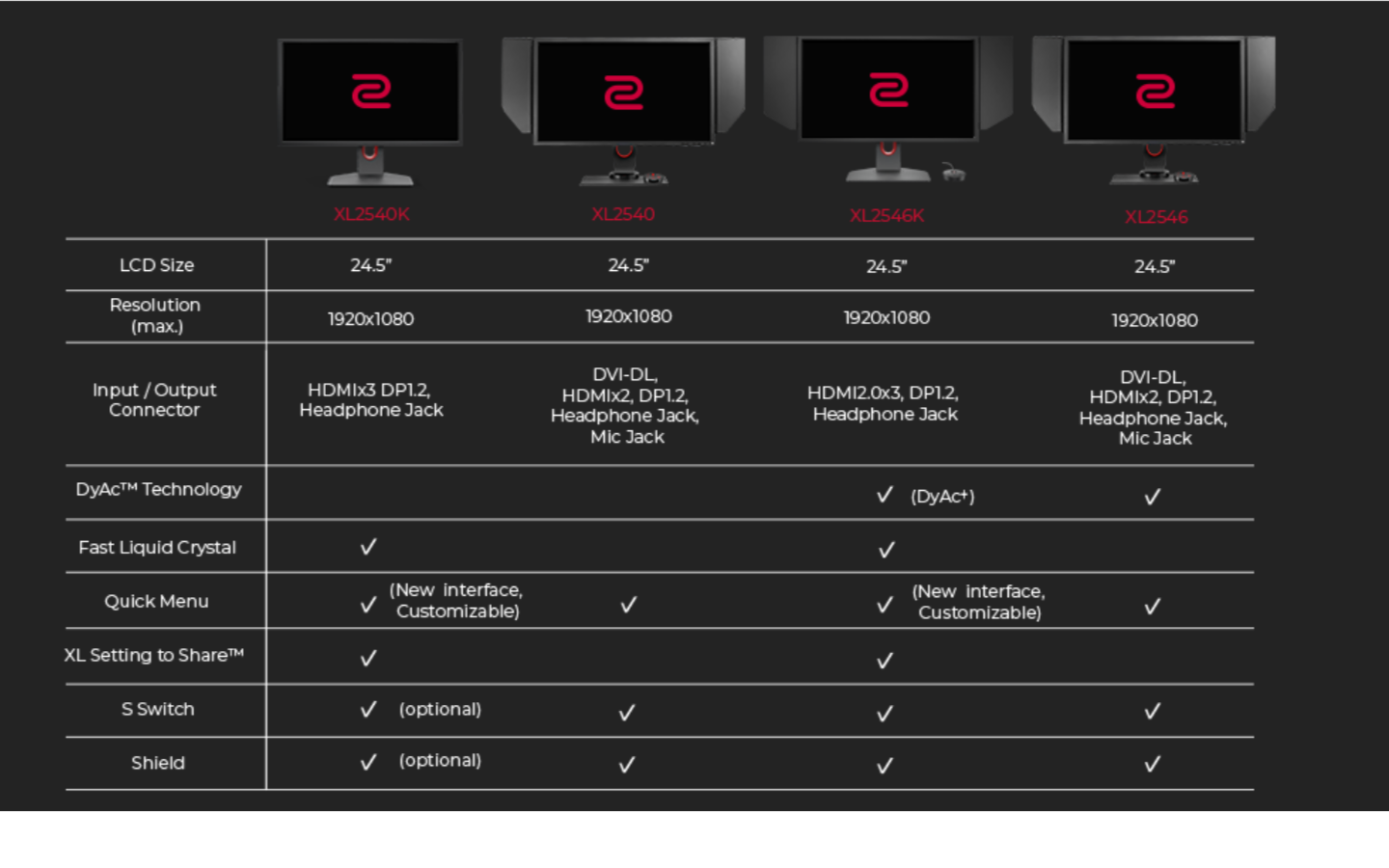
A: The response time test result will be different because of the test method. Also, there’s a lack of standard of industry measurement. That is why we don’t claim response time as avoid any misunderstanding from now on.
Regarding the response time of XL2546K, we have implemented the fast liquid crystal solution in the panel which made this panel is a bit faster than the previous series in native response time and optimize it as to fully leverage the panel capacity and also fine-tune it for the optimal in-game experience.
A: No, the previous S-switch and Shield are not compatible with XL2540K.