безплатна доставка
на поръчки над 100 EUR




| Гаранция | 36 месеца |
| Размер на екрана | 32 inch |
| Резолюция | 3840 х 2160 |
| Матрица | IPS |
| Честота на опресняване | 60 Hz |
| Време за реакция GtG | 4 ms |
| Цвят | Сив |
| Портове | 3.5мм Аудио жак, HDMI, Display Port, USB-A, Mini Display Port, Card Reader |
| Технология | |
| Регулиране на стойка | Да |
| Тъч скрийн | Не |
| VESA | Не |
| Яркост (тип.) | 250 cd/㎡ |








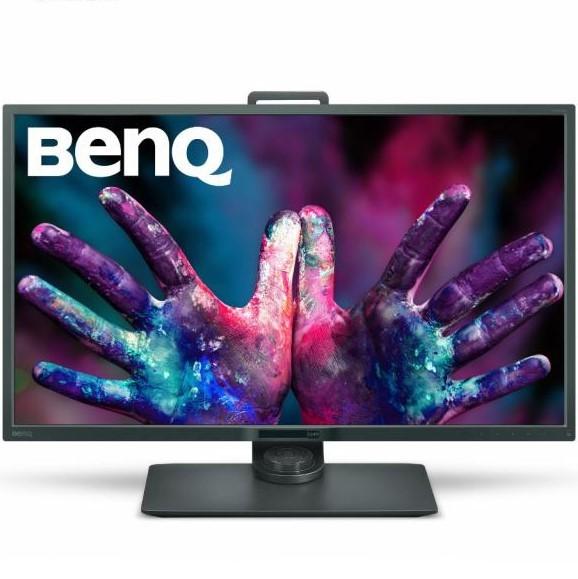
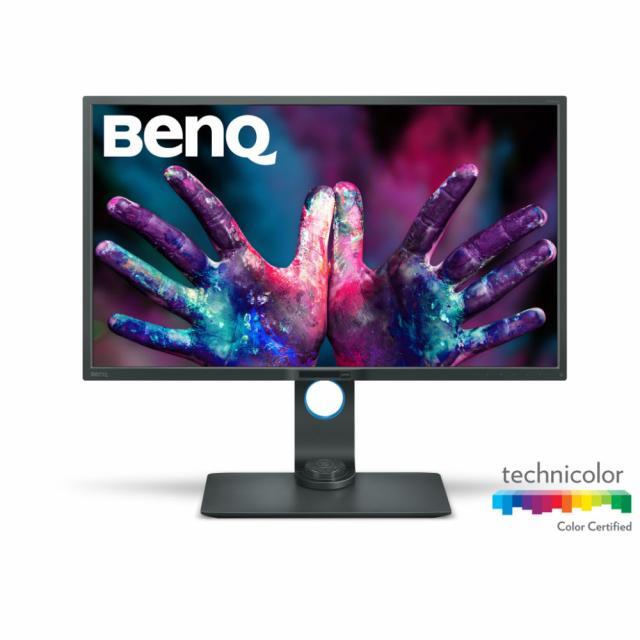
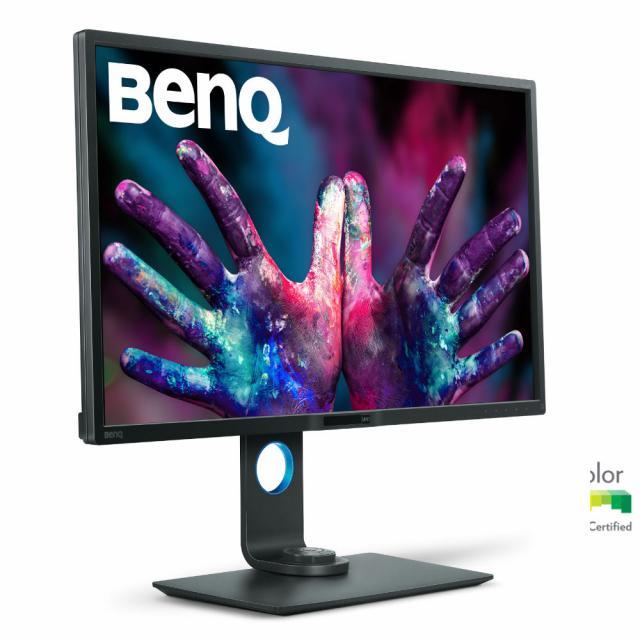
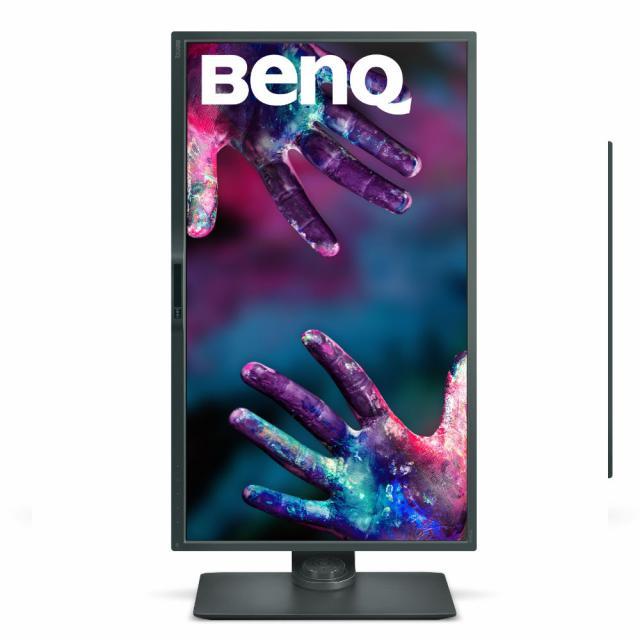
Монитор BenQ PD3200Q
Насладете се на богати графики благодарение на 10-битовия цвят, Rec.709, sRGB монитор на BenQ. Ще имате повече от 1 милиярд цвята, за да разботите с изумителна точност на 3840х2160 пиксела. Насладете се на гладък работен процес използвайки един от трите режима на монитора - Darkroom, CAD/CAM и Animation, който ще ви помогнат при редакция и създаване акцентирайки допълнително върху детайлите.
Размер на екрана - 32"
Тип подсветка - LED
Тип на матрицата - IPS
Тип на дисплея - матов
Резолюция - 3840x2160 (60Hz)
Съотношение - 16:9
Стъпка на пикселите - 0.185 мм
Яркост - 350 cd/m2
Контраст - 1000:1
Динамичен контраст - 20M:1
Време за реакция - 12ms
Ъгъл на видимост - 178/178
Интерфейс:
1x Display Port
1x Mini Display Port
1x HDMI
USB хъб
SD Card Reader
Вградени говорители - 2x 5W
3.5 mm жак за слушалки
Поставка:
Наклон - -5/20
Завъртане - -45/45
Регулиране на височина
Възможност за ползване в хоризонтален и вертикален режим
Съвместимост с VESA 100x100
Цвят на корпуса - черен
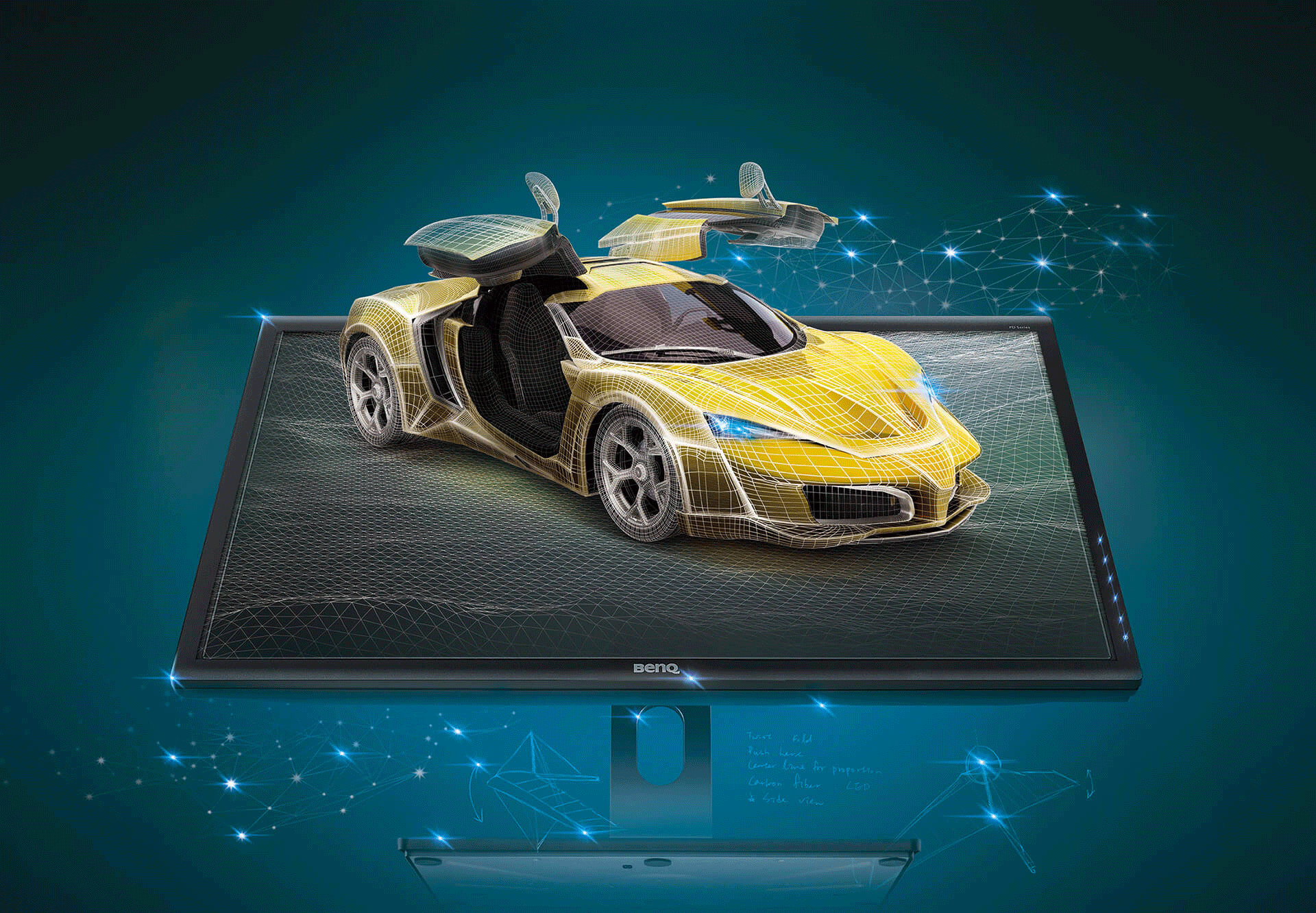
Design professionals never compromise on details. BenQ Designer Monitors deliver absolute color precision and ultra detailed high resolution to craft every step leading to brilliant work, turning design dreams into reality.
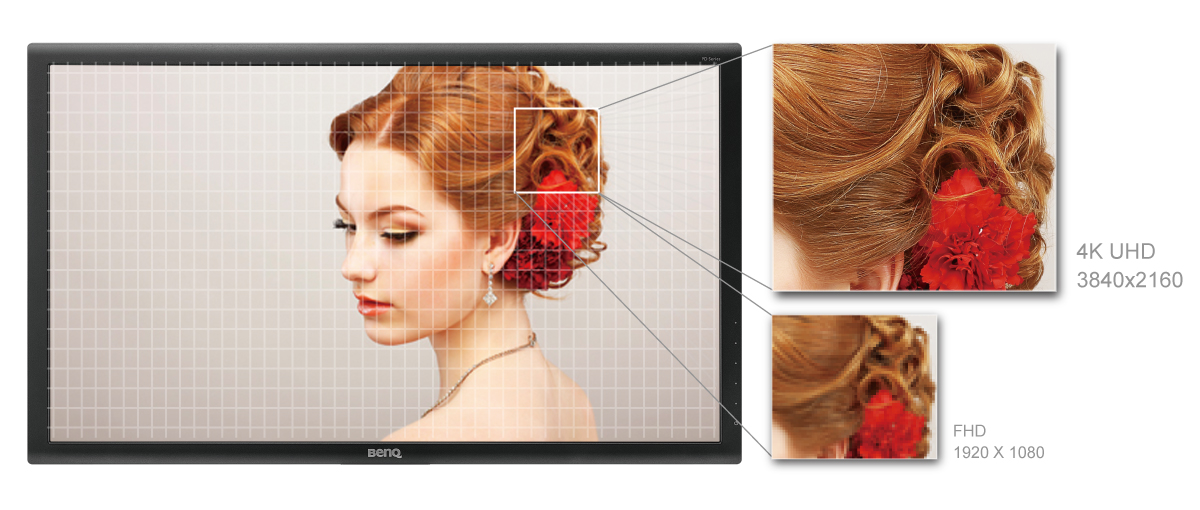
4K UHD (3840x2160) resolution offers extraordinary clarity of fine details and depth of subtle textures optimized for visually intensive work in animation, visual effects, graphics, and photos.

Devoted to meet the latest professional color standard, BenQ has developed AQCOLOR technology to uphold the concept: “Accurate Reproduction". BenQ has invited a color expert to lead the team, and also actively participated in ICC (International Color Consortium) and ISO (International Standard Organization) to establish color-related standards and implementation.
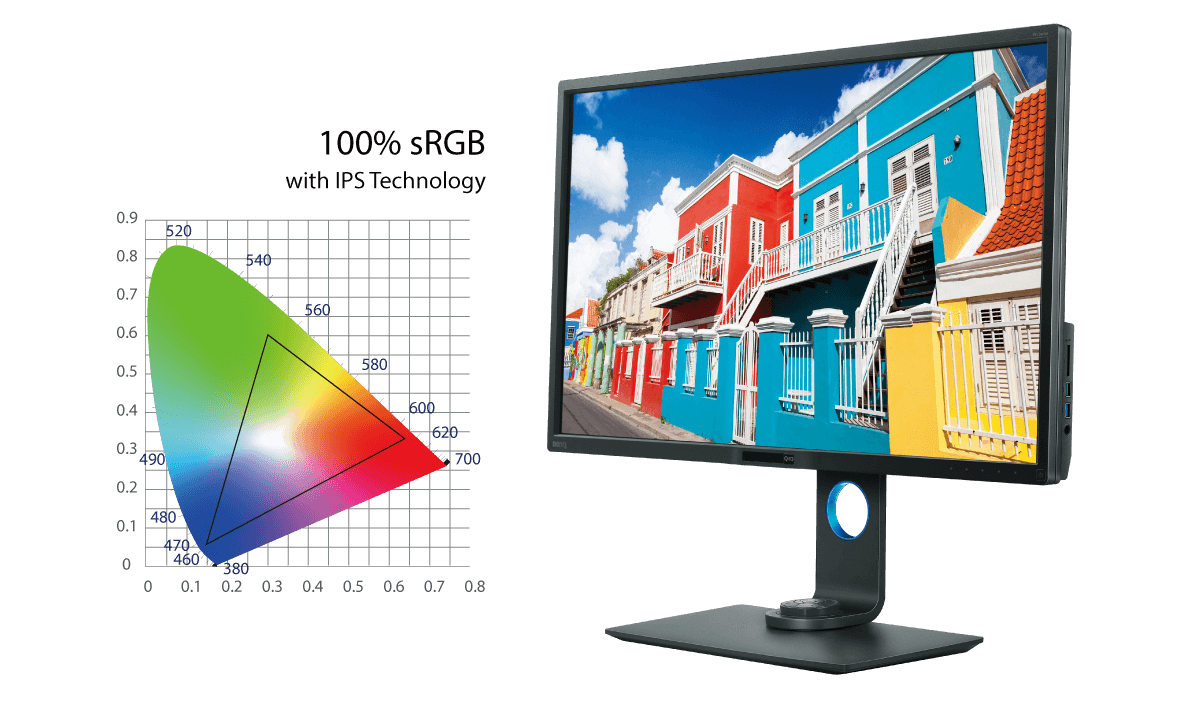
Covering 100% of sRGB and Rec. 709 color spaces, and delivering an amazing Delta E ≤ 3 value, PD3200U’s advanced IPS wide viewing angle technology minimizes color shift to inspire absolute design confidence. 100% sRGB color gamut accuracy adheres to industry standards in digital production, and Rec. 709 reproduces accurate resolution, frame rate, color gamut, gamma, and white point performance in high-definition video work.
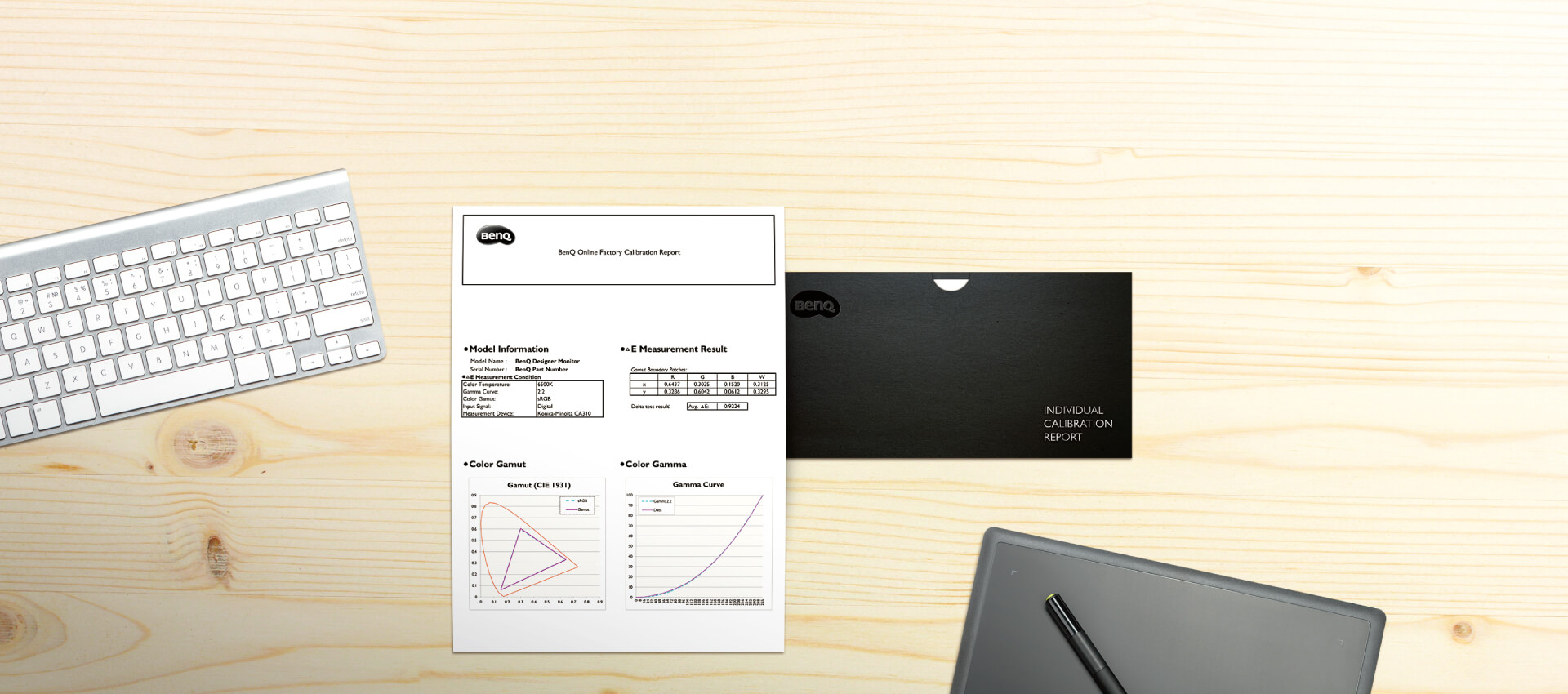
Each BenQ Designer Monitor is individually factory-calibrated upon production to assure precise Delta-E and Gamma performance. Calibration results are validated against industry color standards to deliver the truest and most representative view of original content.
*Calibration eliminates slight color performance variations between individual panels of the same model. Therefore, the calibration data of each report will vary slightly from reports from other displays of the same model.

With certification from CalMAN Verified and Pantone Validated, BenQ’s PD3200U monitor is able to maintain truthful colors, promising industry-approved performance for all creative enterprises.
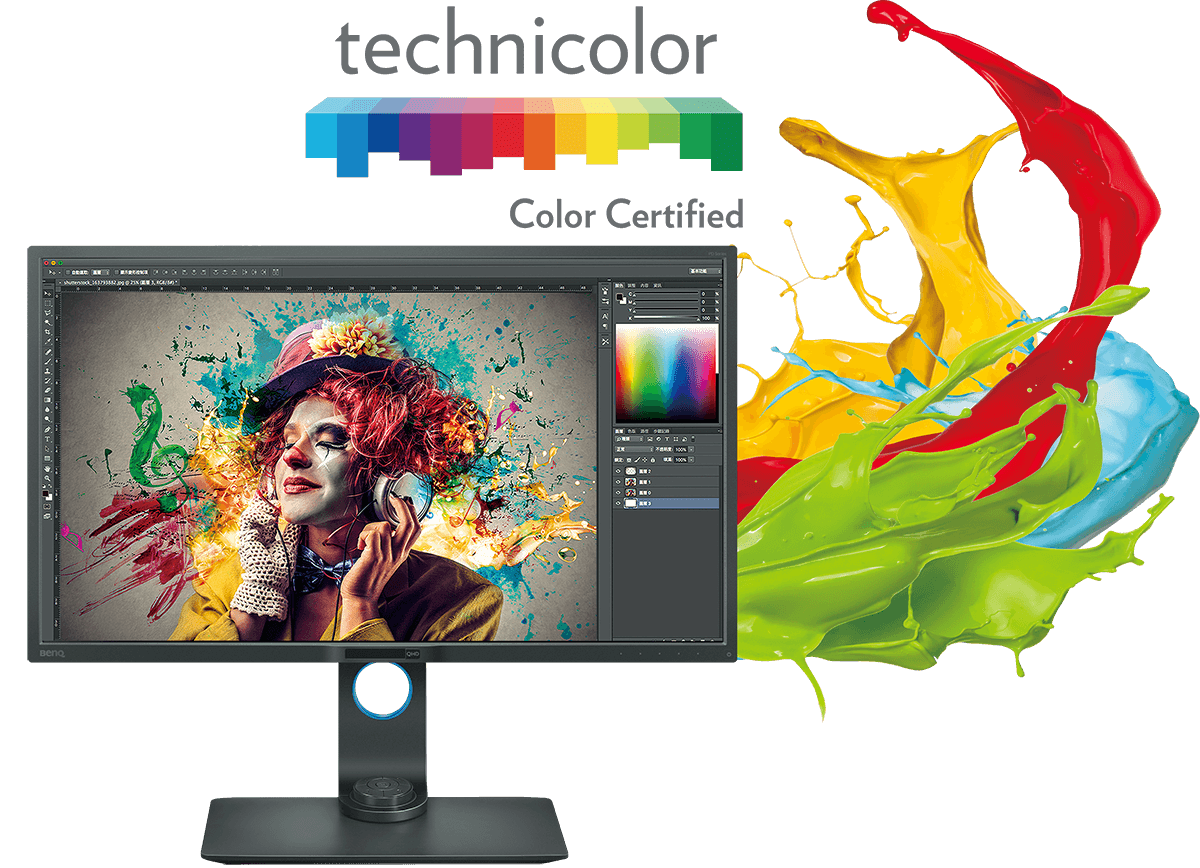
Technicolor Color Certification meets strict color standards widely used in Hollywood and entertainment industries. All BenQ PD Series Designer Monitors are Technicolor Color Certified, ensuring consistent and accurate colors for impressive performance in broadcast, film, animation, and entertainment applications.
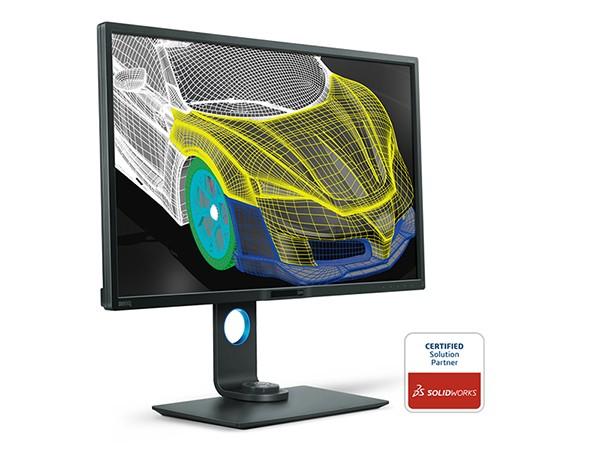
Offering superior contrast for lines and shapes in technical illustrations, CAD/CAM mode accentuates the finest details to produce incredible display performance in Pro/E, SOLIDWORKS, AutoCAD, CATIA, or other design software.
*How to set up CAD/CAM mode
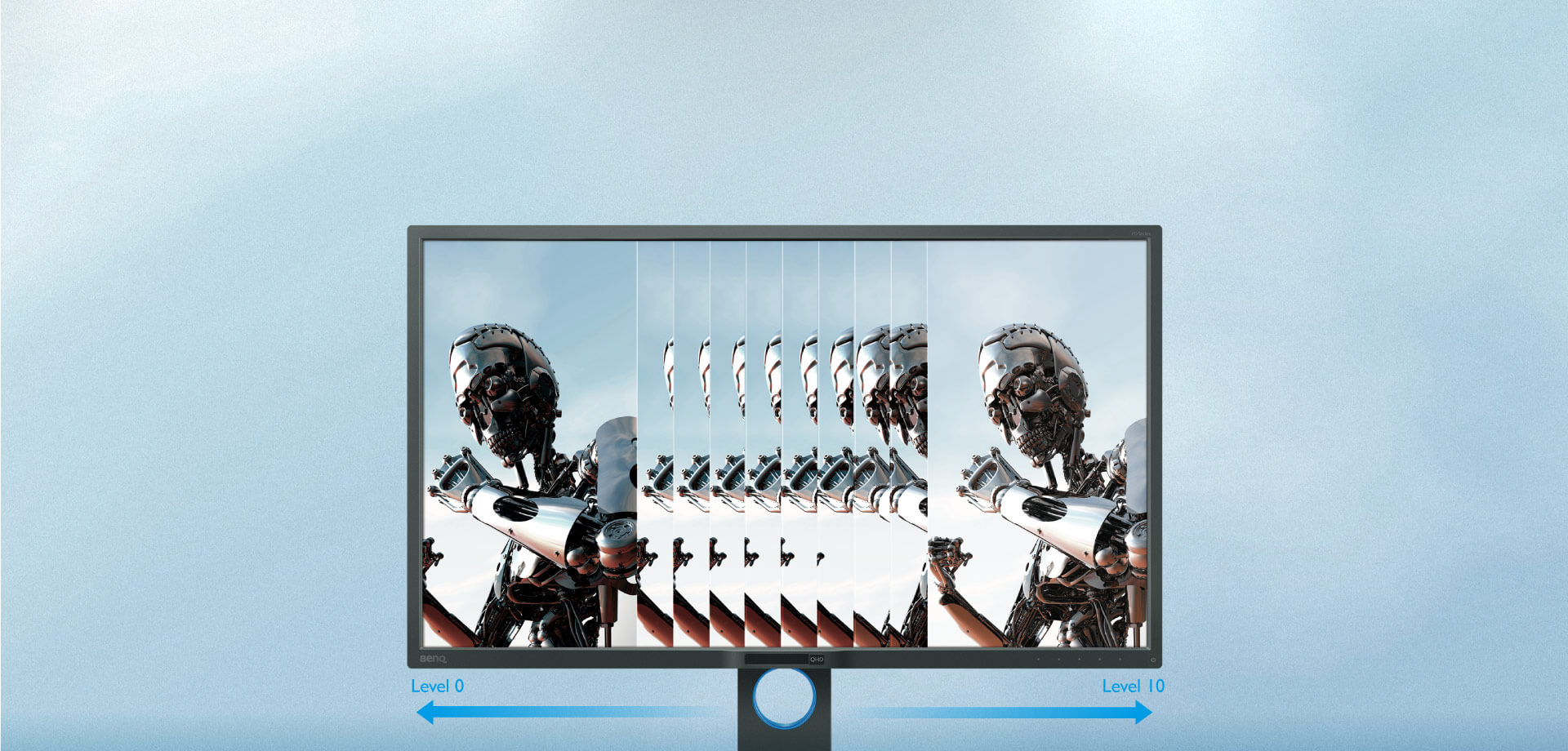
Often problematic for designers working with intricate details in dark images, Animation mode enhances the brightness of dark areas without overexposing bright regions. Animation mode provides 10 levels of display brightness to bring out every subtlety clearly in any ambient lighting.
*How to set up Animation mode
Adjusting image brightness and contrast for superb clarity and detail sharpness, Darkroom mode creates the optimal setting for work in darkened post-processing environments.
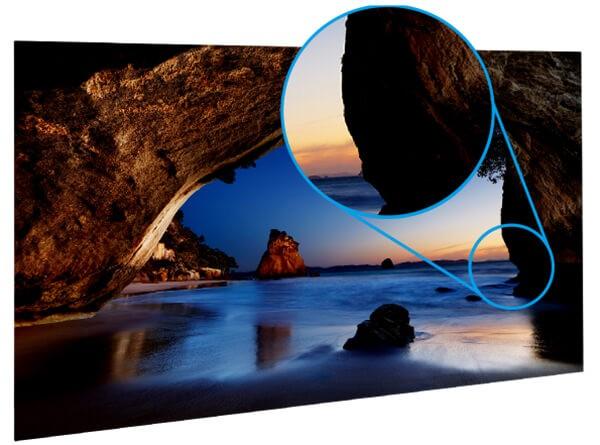
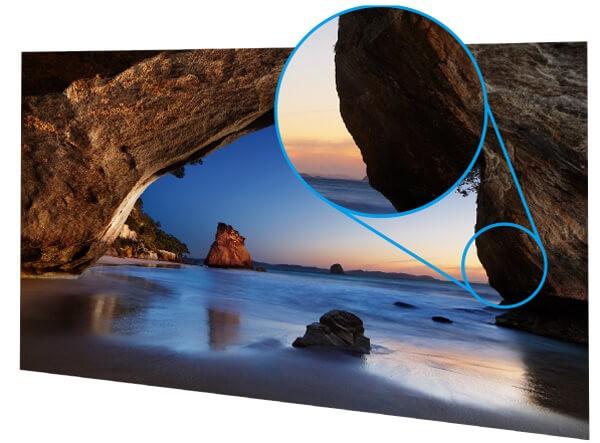
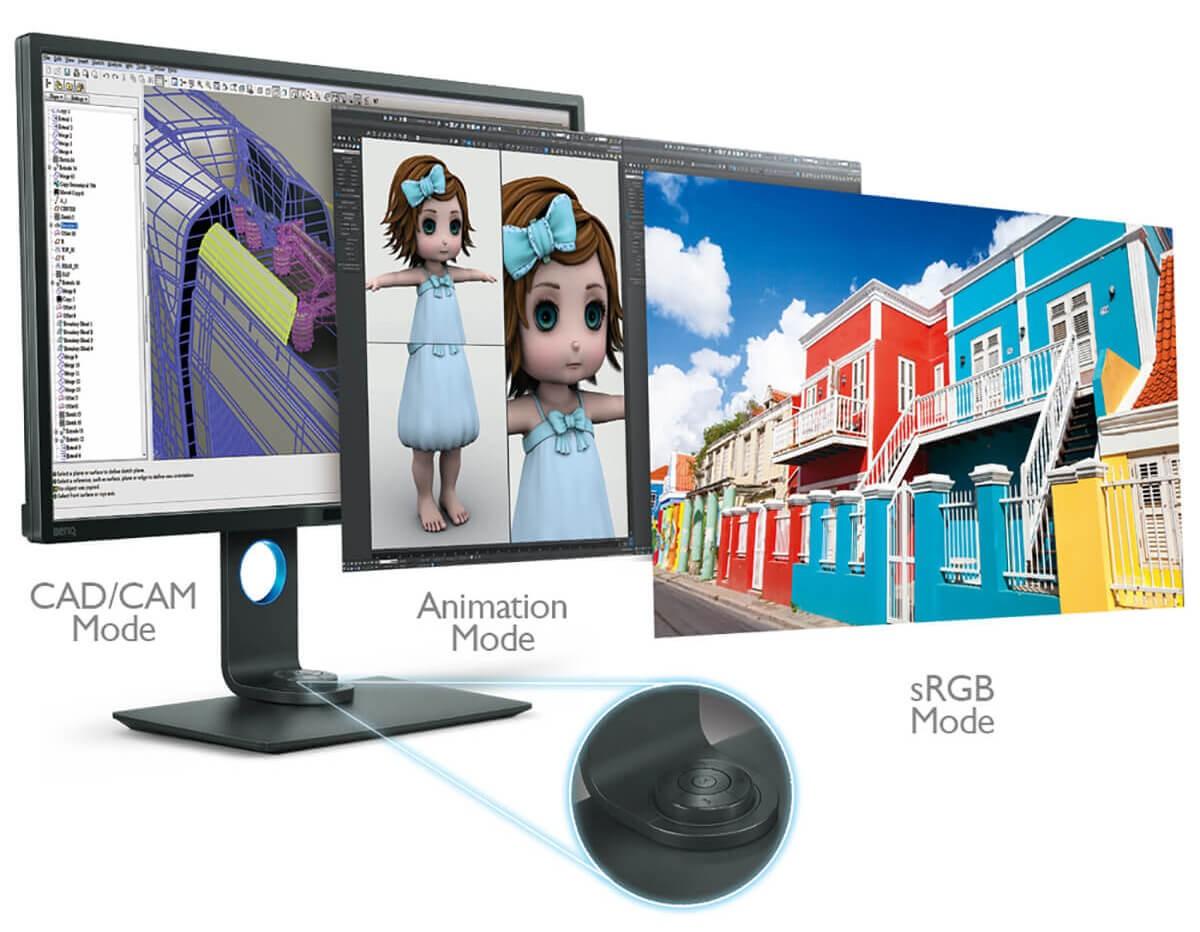
Switch between CAD/CAM, Animation and Darkroom modes with a simple click of a button on the Hotkey Puck. Customize the buttons to map other modes or OSD settings such as brightness and contrast.
*How to set up Hotkey Puck to switch between modes rapidly
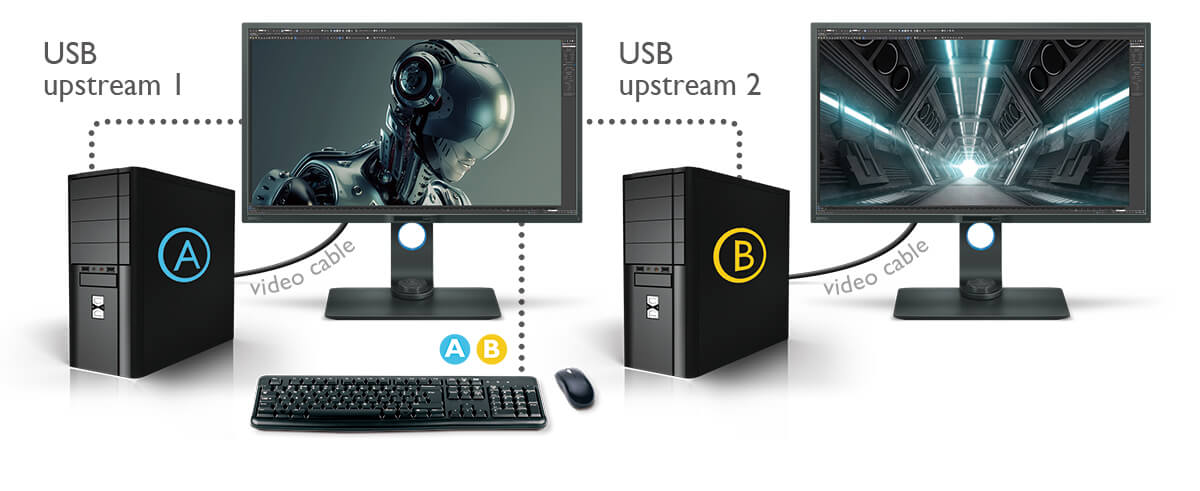
KVM Switch function allows users to display and control content from two different PC systems on one screen using just one set of keyboard and mouse to save space and boost work efficiency.
*How to use the KVM switch function to enhance work efficiency
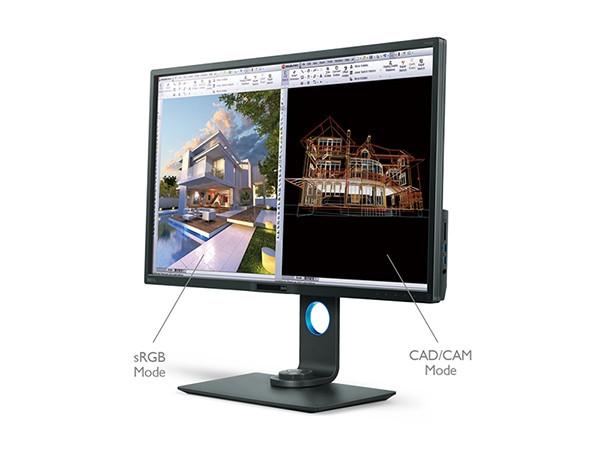
Improve your workflow and enhance productivity by switching on DualView to showcase designs in two modes (e.g. sRGB and CAD/CAM) side-by-side without the need for two screens.
*How to set up DualView mode
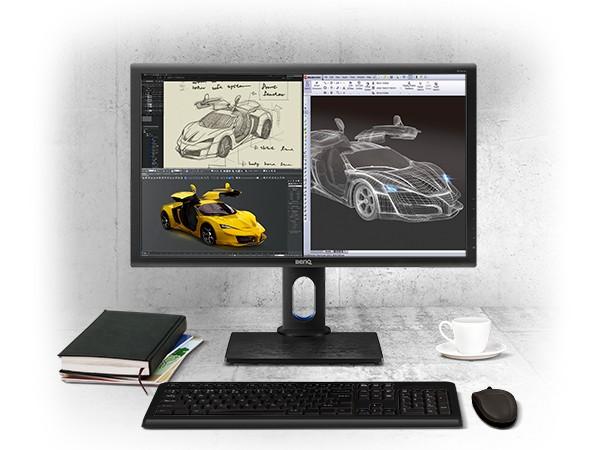
Proprietary BenQ Display Pilot software* splits your desktop into multiple window partitions for easy multitasking.
*Display Pilot software requires Windows OS.
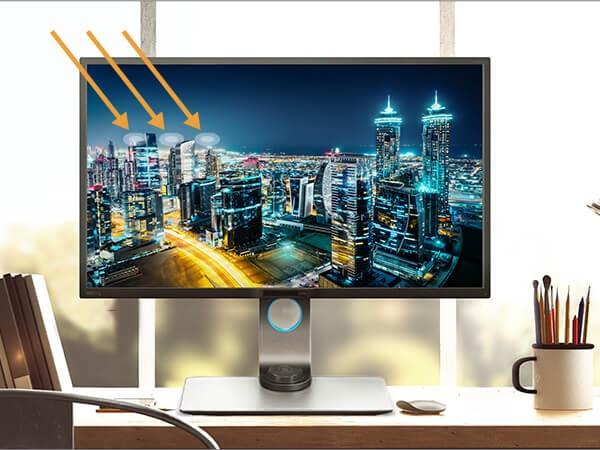
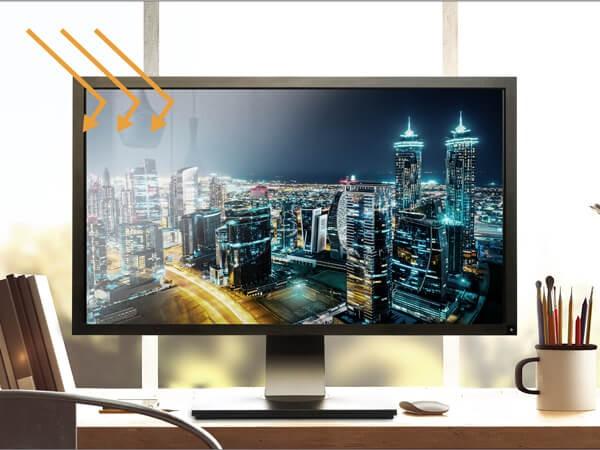
Anti-glare matte finish keeps distracting reflections to a minimum for improved efficiency in squint-free comfort.

An extensive range of height, tilt, pivot, stroke, and swivel adjustments customize your workstation for the perfect fit. When used in portrait mode, PD3200U’s smart screen orientation sensor auto-rotates source content to display images in full context.
*Display Pilot auto-rotation software requires Windows OS.

 Industry-Leading Eye-Care Technology
BenQ exclusive eye-care technologies reduce eye fatigue for user comfort, enhanced productivity, and workplace safety during extended use.
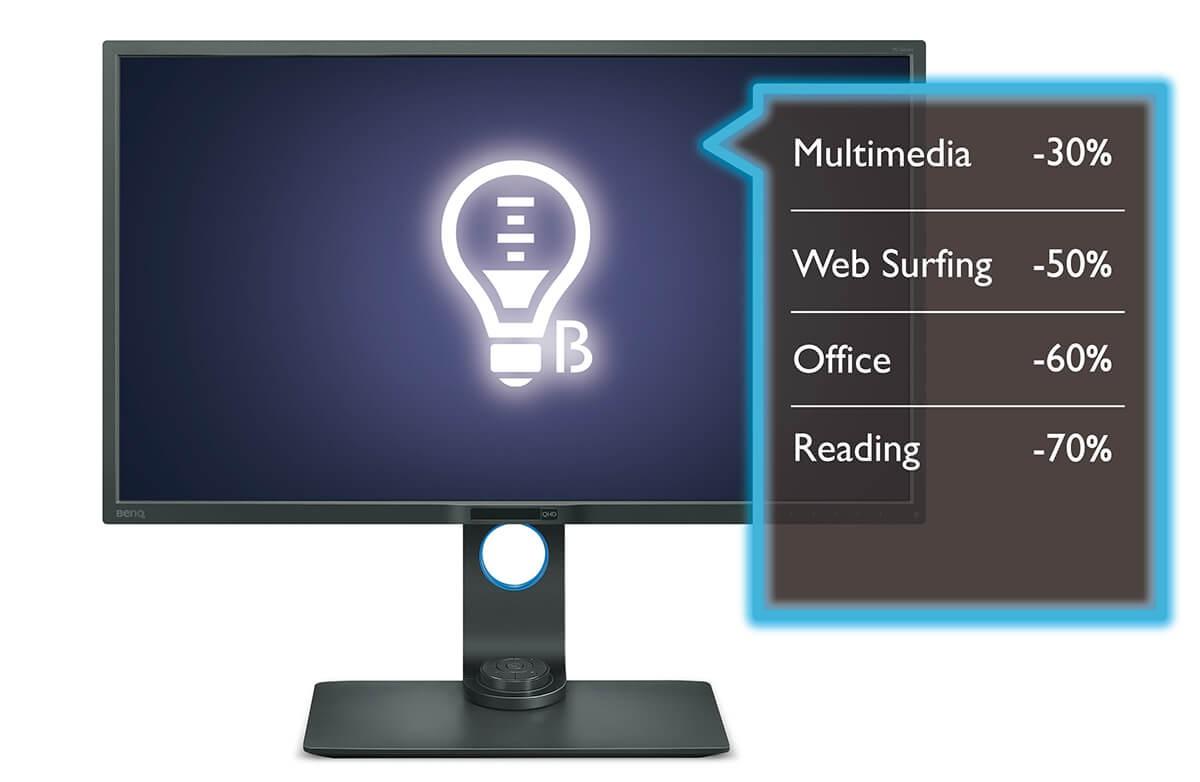
 Low Blue Light Technology
Unique BenQ Low Blue Light Technology is designed to filter out harmful blue light, effectively diminishing eye fatigue and irritation.
 Flicker-free
Flicker-free eliminates flickering at all brightness levels and reduces eye fatigue effectively. Conventional LCD screens flicker at the rate of 250 times per second. Your eyes may not see the flickers but they can certainly feel them. So relieve your eyes from the uncomfortable flickering effect by switching to a BenQ flicker-free monitor.